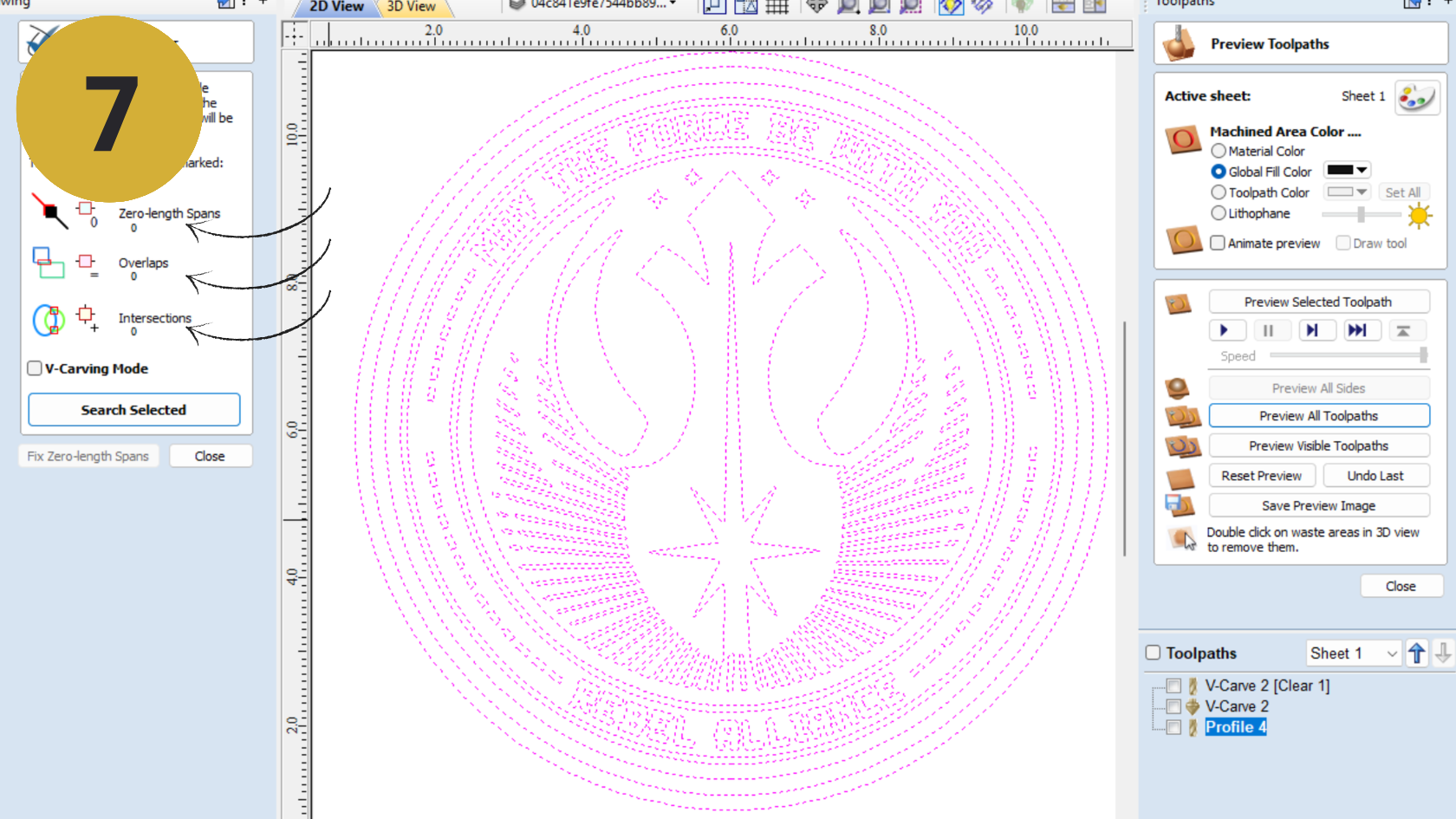
User Guide
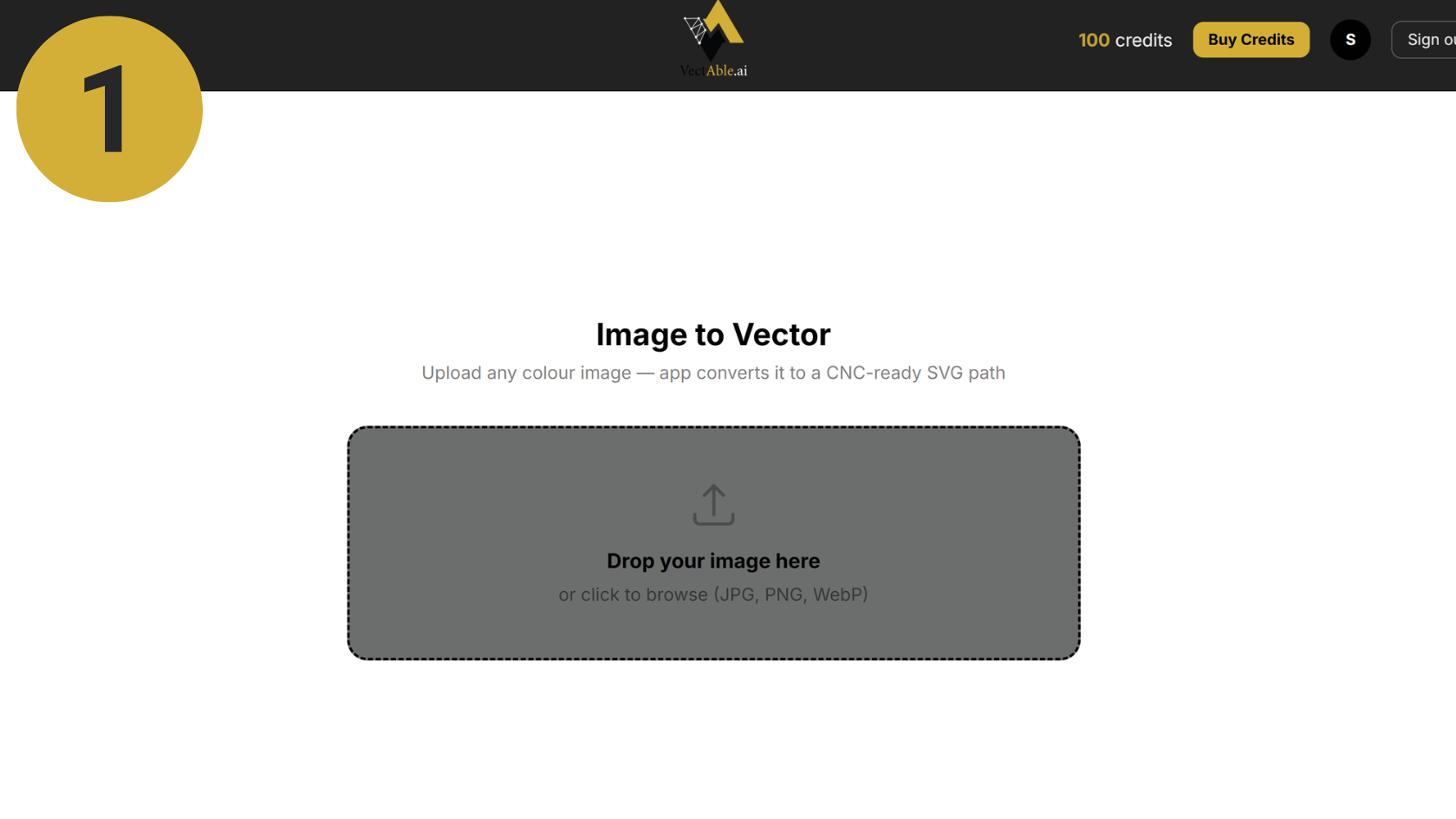
Step 1: Launch the app
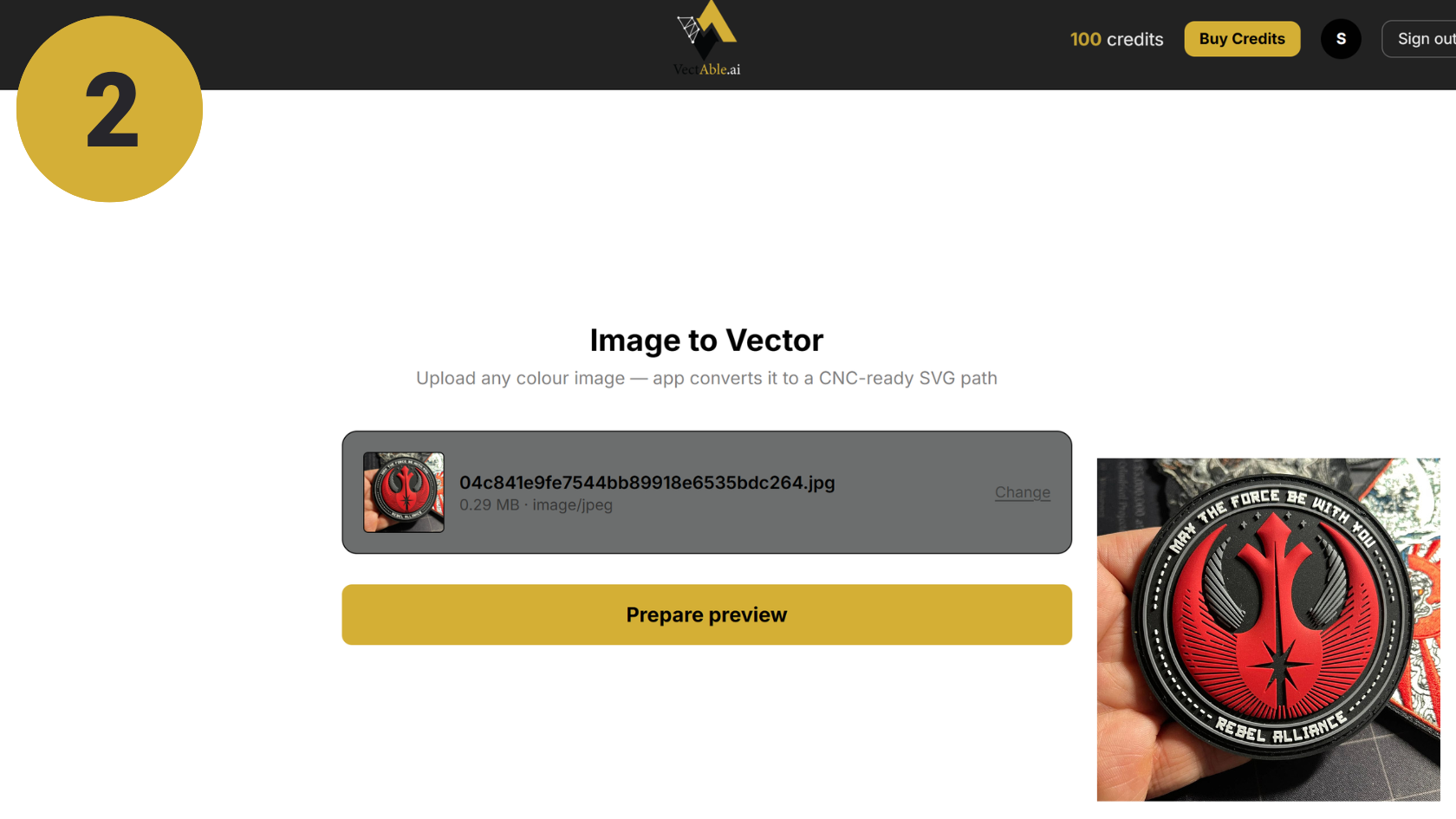
Step 2: Upload your image
Clean, clear images work best!
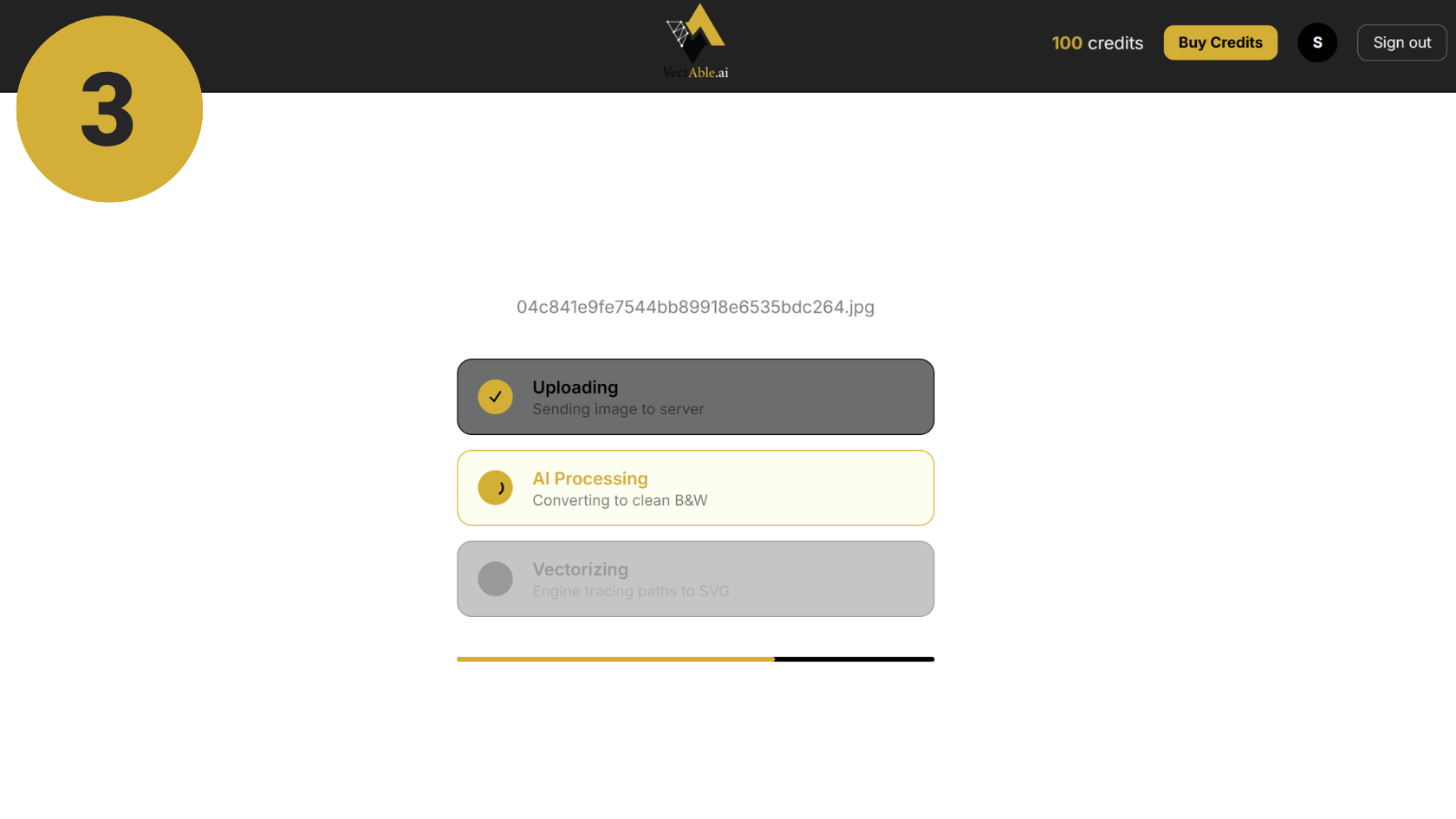
Step 3: Wait for the image to process
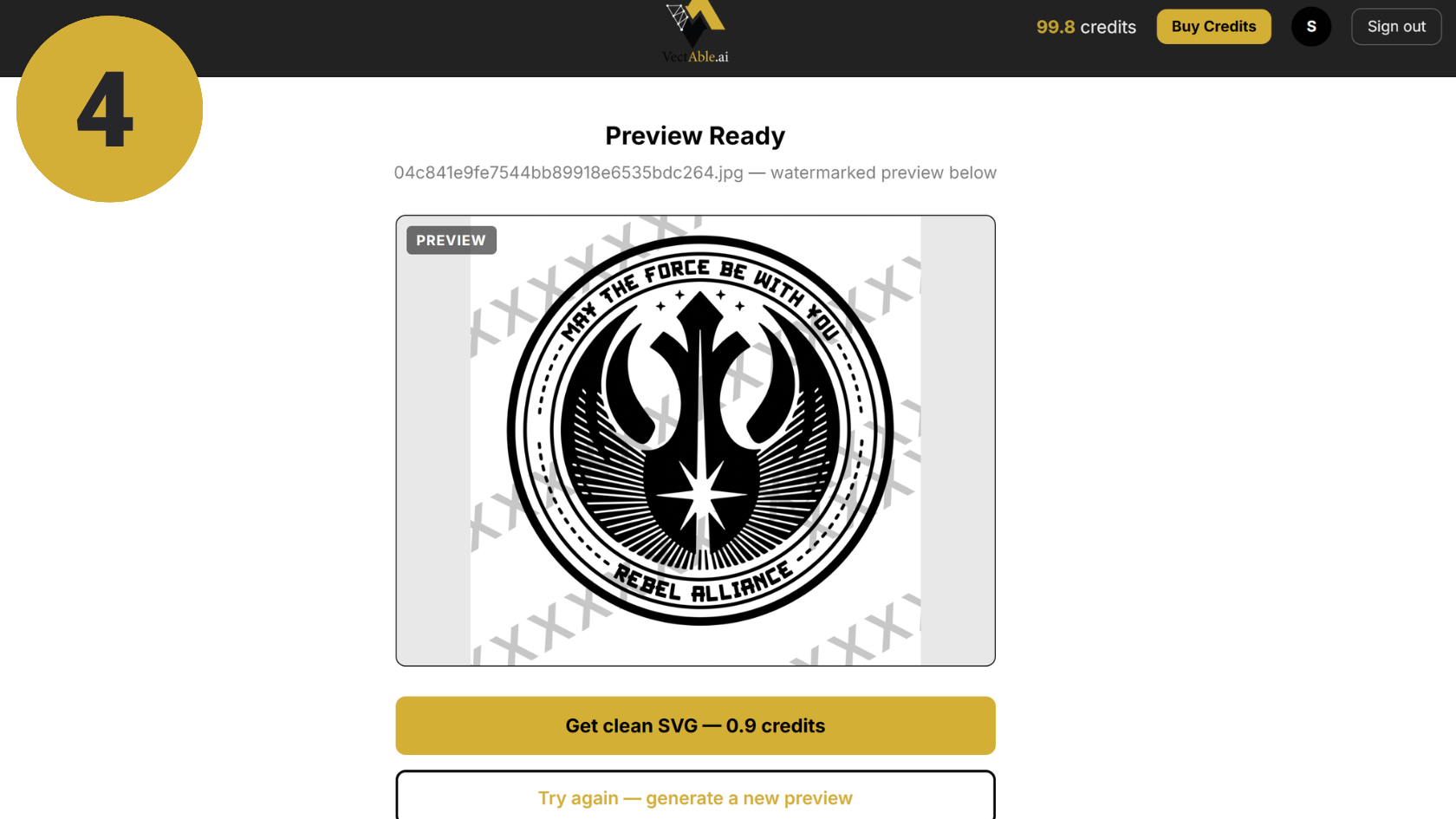
Step 4: determine the quality & request New if needed
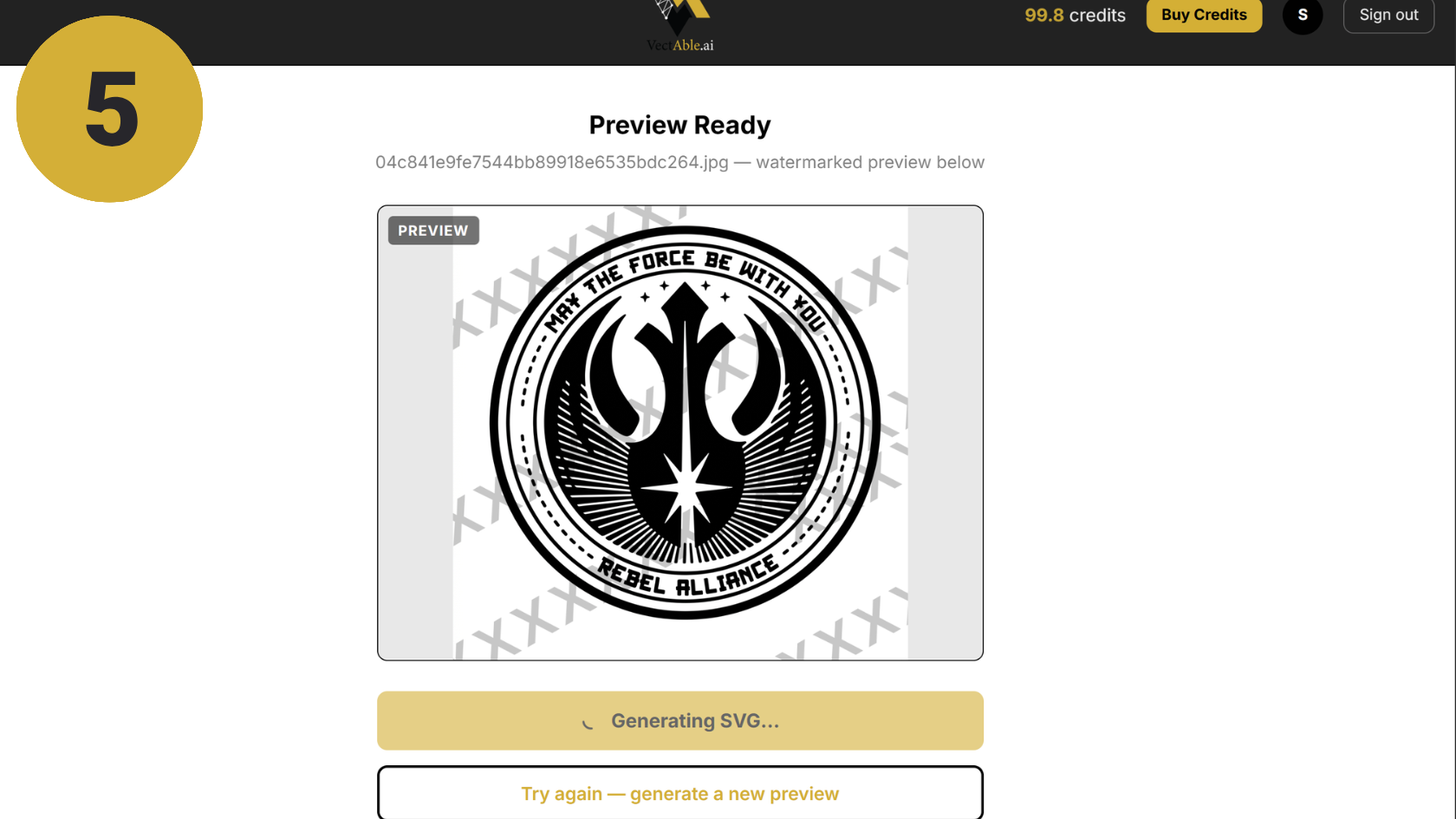
Step 5: If satisfied, generate the SVG. If not after several attempts, request a manual review.
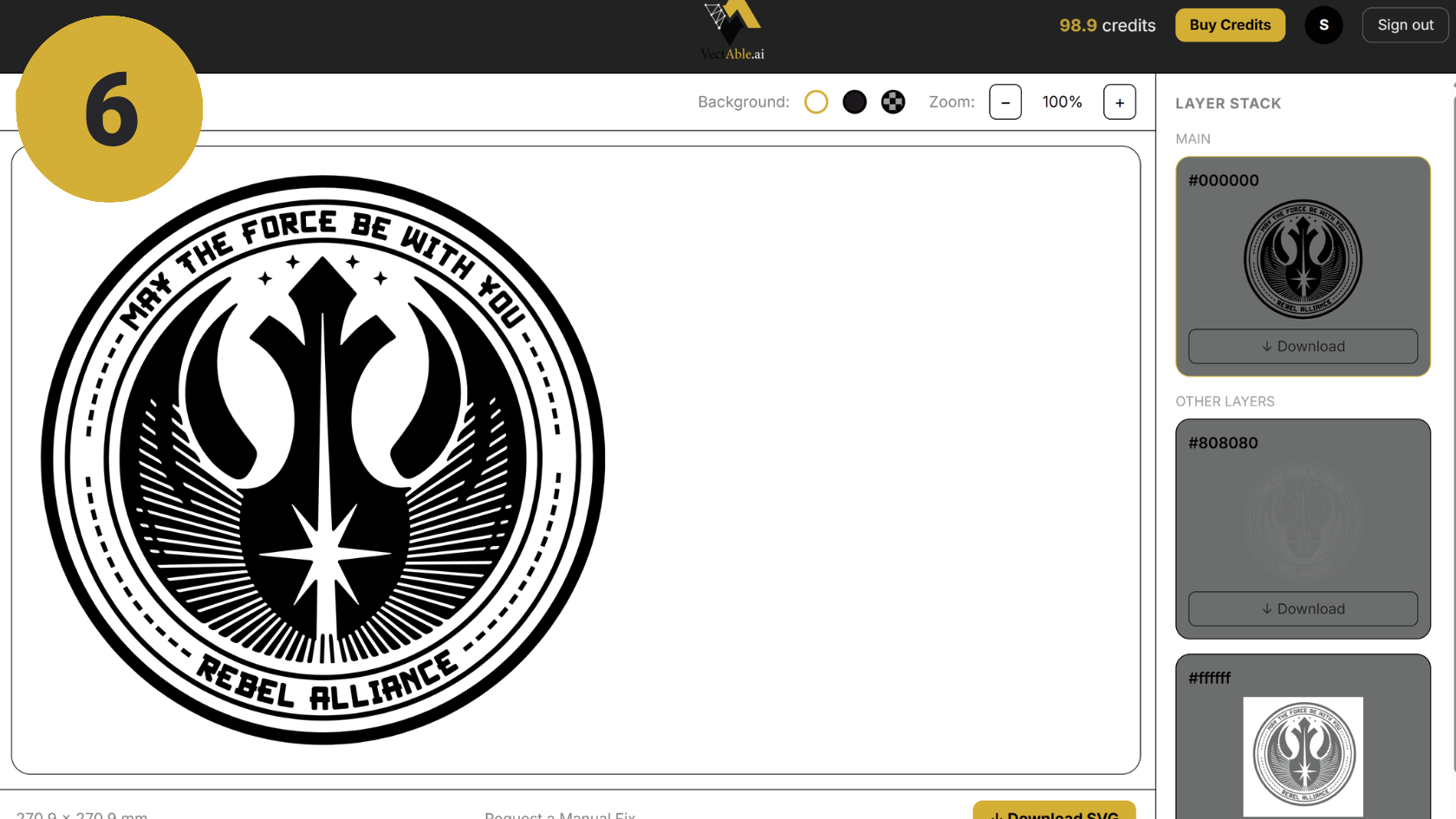
Step 6: download the clean, fully ready to use SVG file