
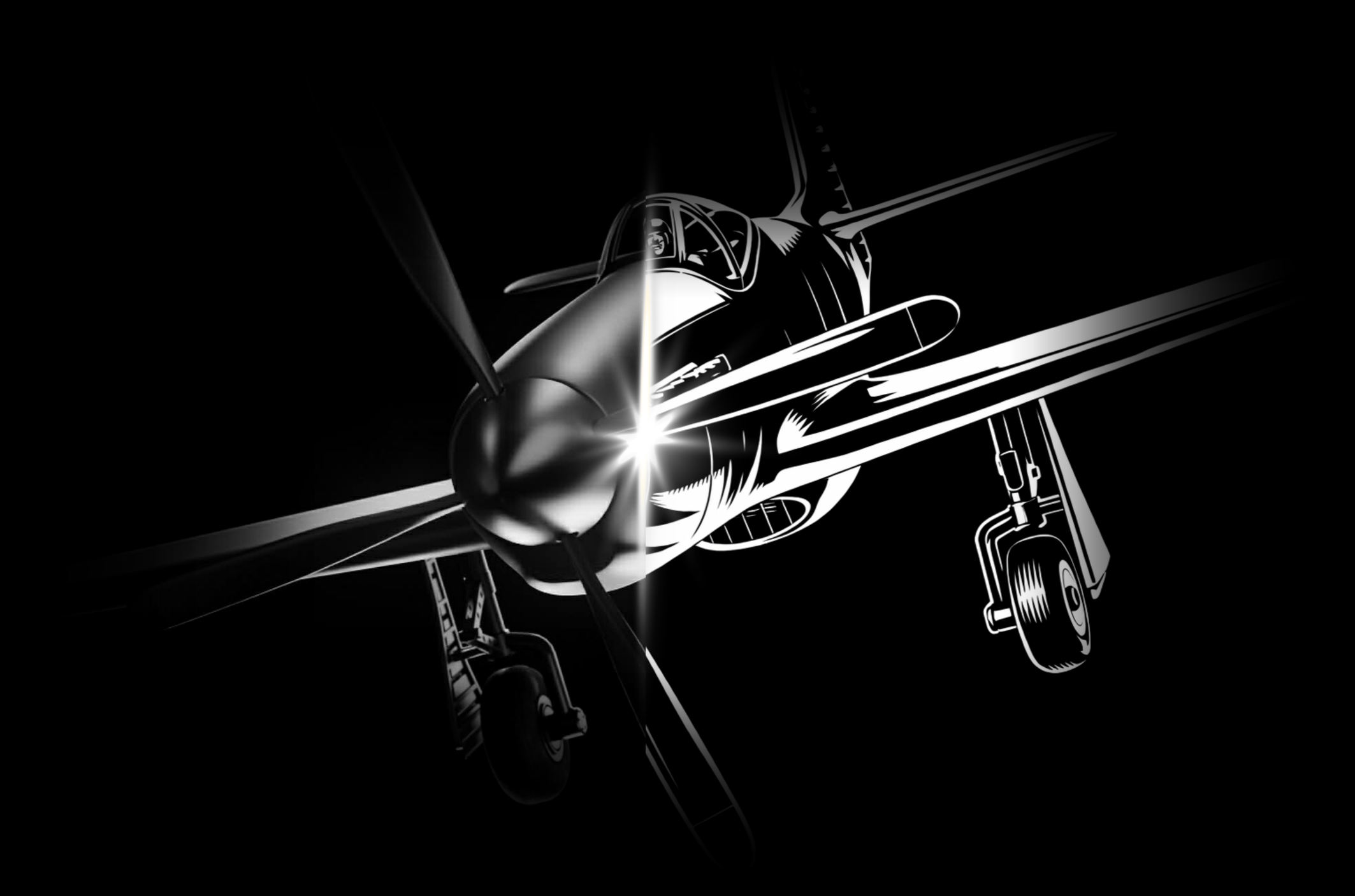
Three tries or it’s FREE.
Carefully created by vector designers, this powerful AI tool will transform your images into stunning graphics in seconds usable for CNC, laser, cricut, & more. If you don’t like the result we’ll manually fix it for you.
Instantly Create Beautiful SVG Files
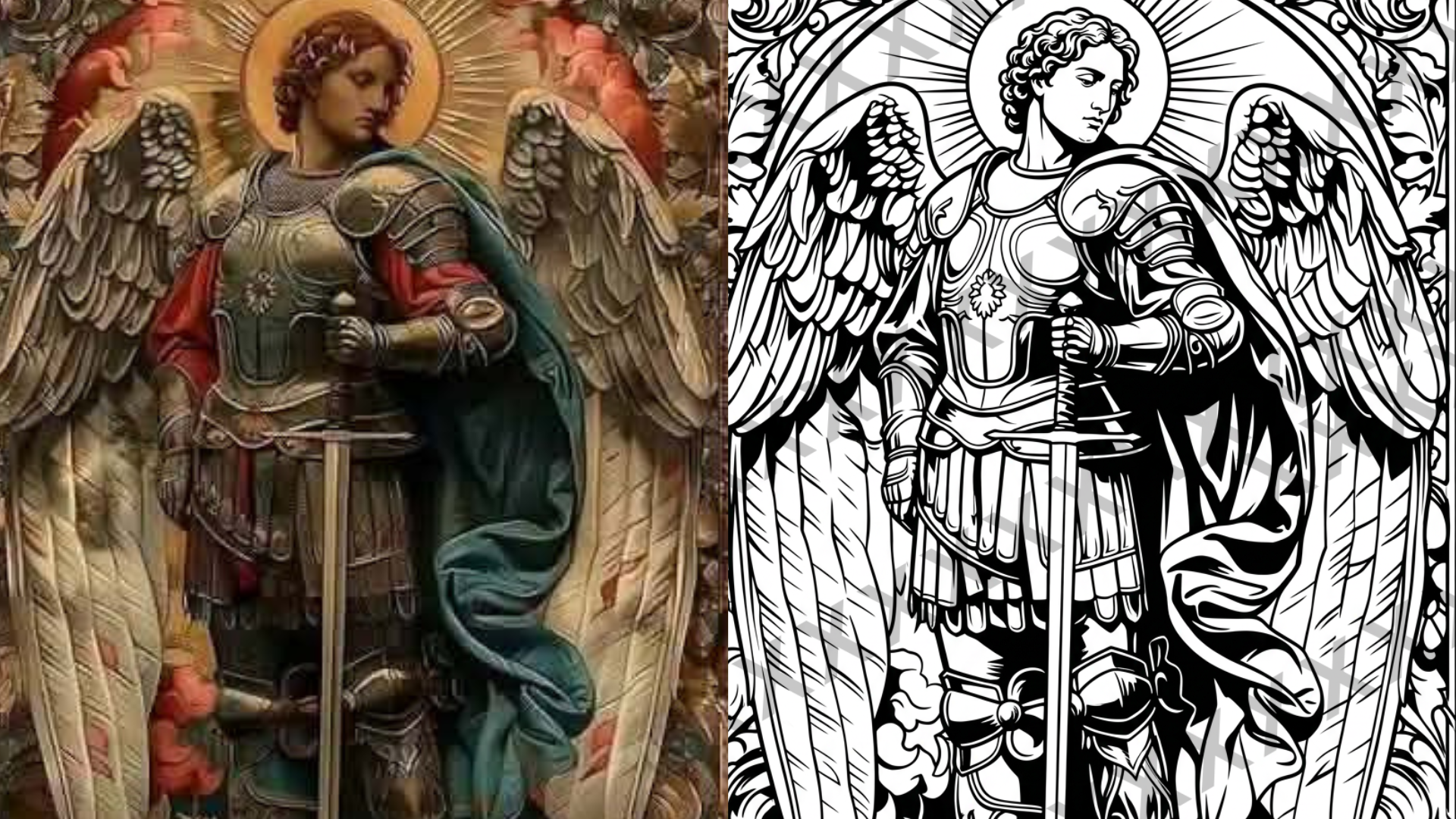
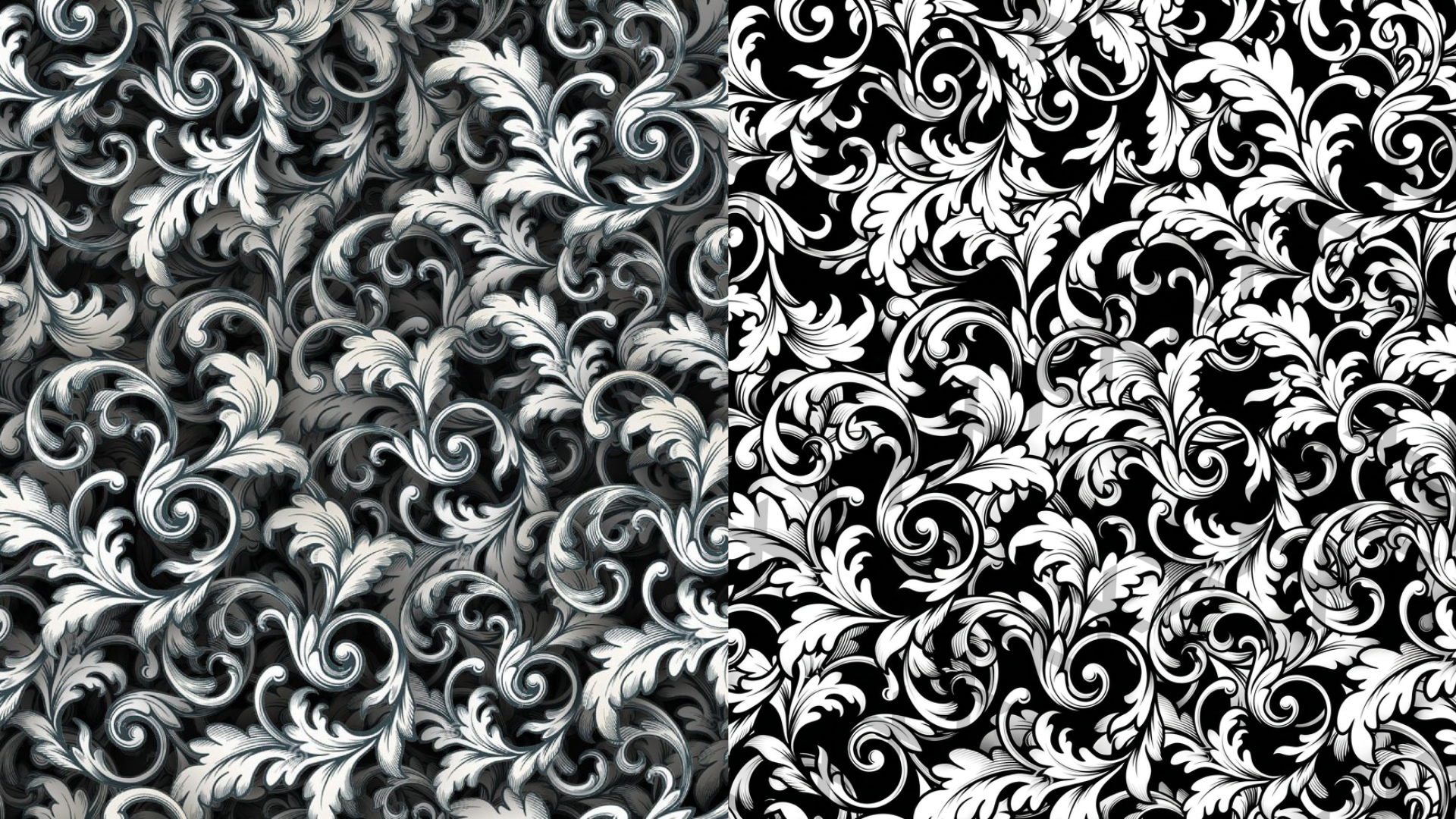
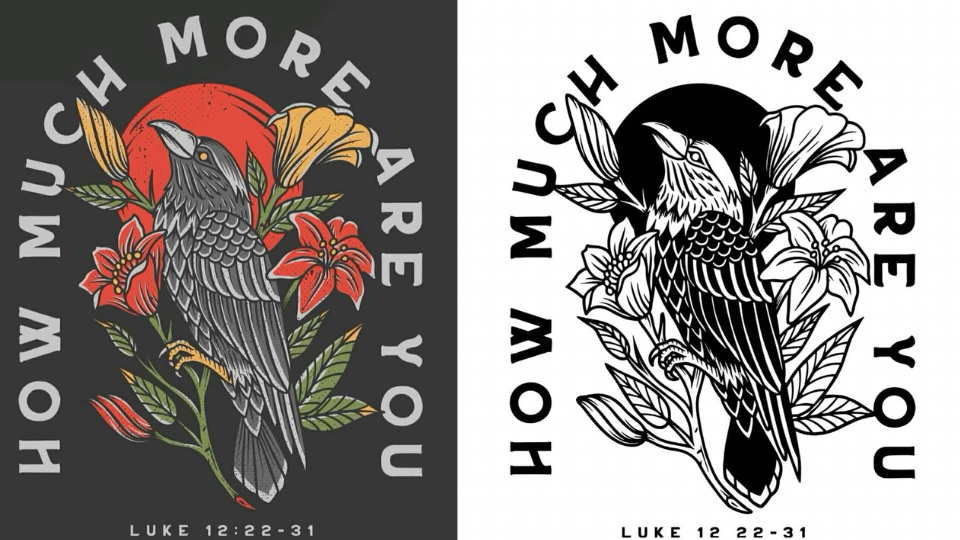
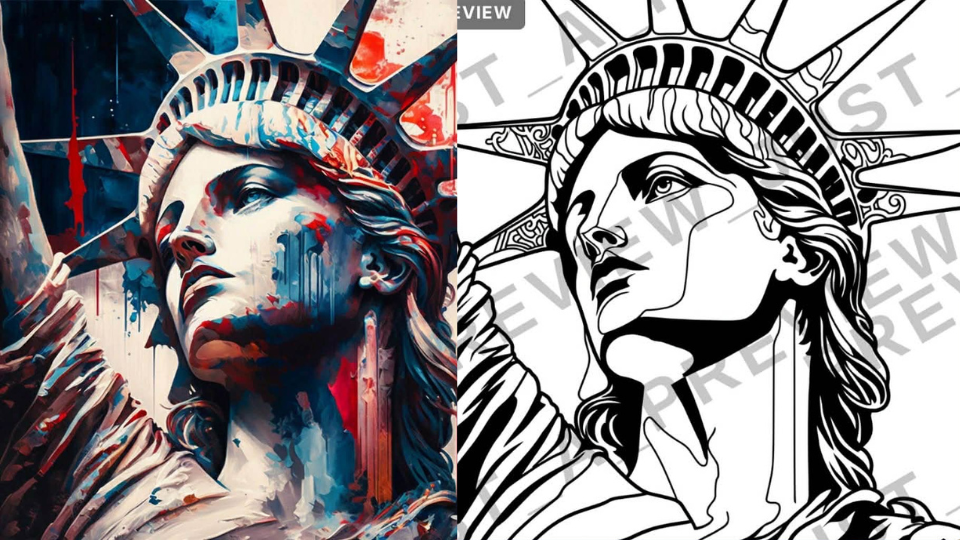
How it Works
Create professional SVG vectors in three simple steps:
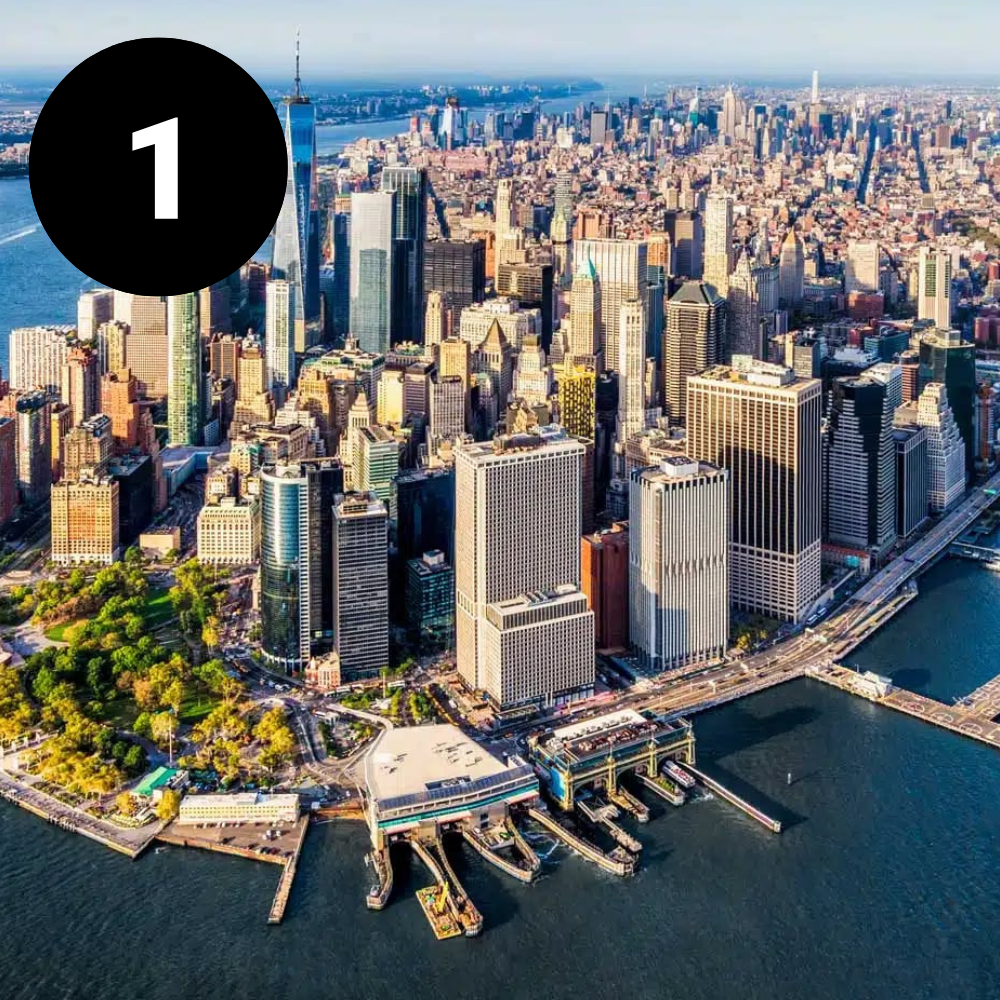
UPLOAD
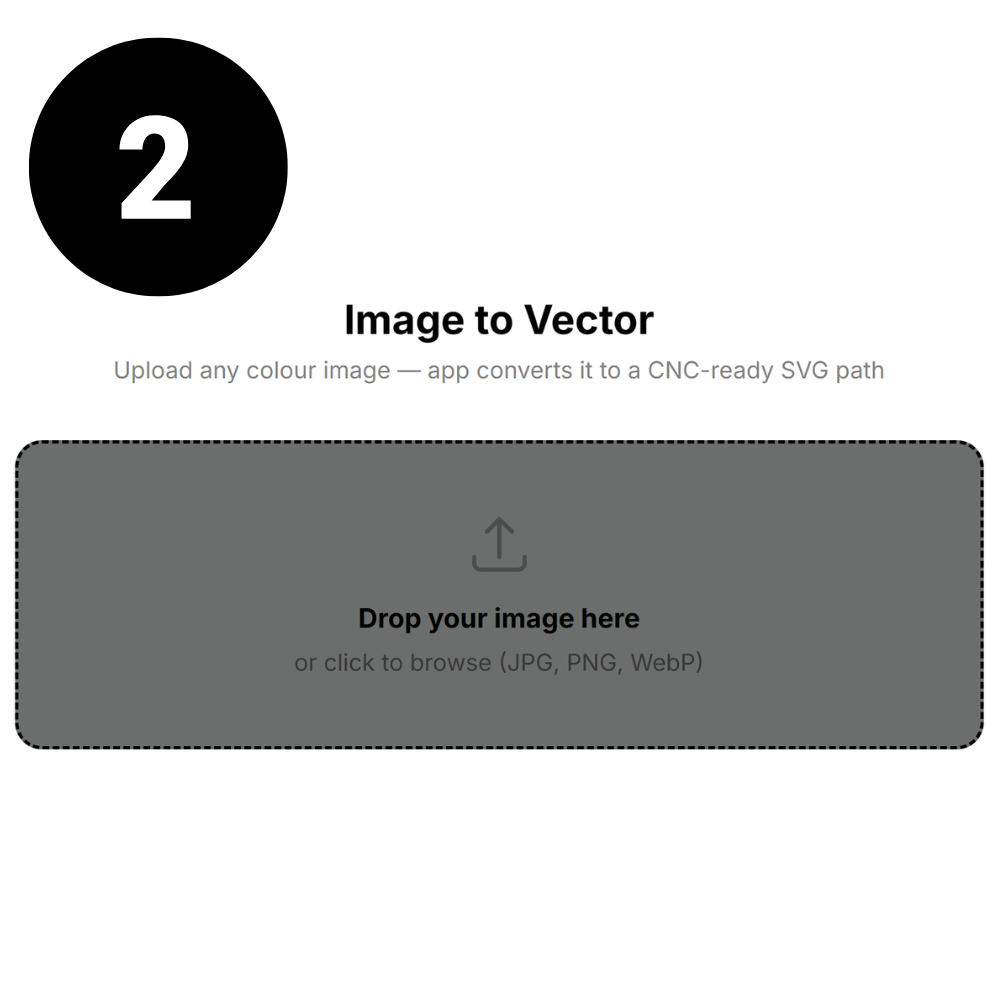
CONVERT
DOWNLOAD
Simple, Transparent Pricing
Try it for FREE! Then choose a flexible monthly plan or grab a one-time top-up. Use credits to preview and download high-quality SVG vectors.
Starter
$10/mo | 8 Credits
8 credits every month
Preview before download
High-quality SVG output
Email support
Maker
$20/mo | 20 Credits
20 credits every month
Preview before download
High-quality SVG output
Priority processing
Email support
Most Popular
Pro Shop
$35/mo | 45 Credits
45 credits every month
Preview before download
High-quality SVG output
Priority processing
Priority support
Most files convert perfectly after 1 preview — about 1 credit per finished SVG.
Frequently Asked Questions
-
Each uploaded image first generates a preview for 0.1 credits so you can see how the vectorization looks. When you're happy with the preview, you can generate the final clean SVG for 0.9 credits. Most images convert perfectly on the first try, meaning one full conversion usually costs just 1 credit.
-
High-contrast images with clear subjects work best. Logos, silhouettes, mechanical objects, animals, and simple illustrations typically produce excellent results. Photos with extremely busy backgrounds or very fine textures may need a couple preview generations to get the perfect result.
-
Yes. The SVG files are designed to work with popular software and machines including Cricut, Glowforge, LightBurn, XTool, Shaper Origin, CNC routers, and vinyl cutters. The vectors are created with clean paths and geometry suitable for digital fabrication.
-
Yes. Every new account receives 5 free credits so you can test previews and create real vector conversions before purchasing additional credits.
What Our Users are Saying
“Perfect for my Glowforge.
Dropped the SVG into my Glowforge workflow and it worked right away. Super smooth lines and the engraving came out great.”

“Surprisingly accurate. I uploaded a detailed image expecting to do some cleanup, but the preview was really good and the final SVG worked great.”
“Awesome tool
for makers.
If you do CNC, laser, or Cricut projects, this saves a ton of time converting images into usable SVG files.”
Cricut Design Space
Glowforge
XTool
Aspire
Vcarve
Lightburn
Silhouette Cameo
Shaper Origin
Fusion 360
Cricut Design Space Glowforge XTool Aspire Vcarve Lightburn Silhouette Cameo Shaper Origin Fusion 360